The mobile app
One app. It changes to fit who is holding it.
Event staff see the day's controls. Coaches, athletes and families see their own athletes, their passes and their results. The same app, the same event, and the right screens for each person.
Admins and event staff
Everything the people running the day need, in their pocket.
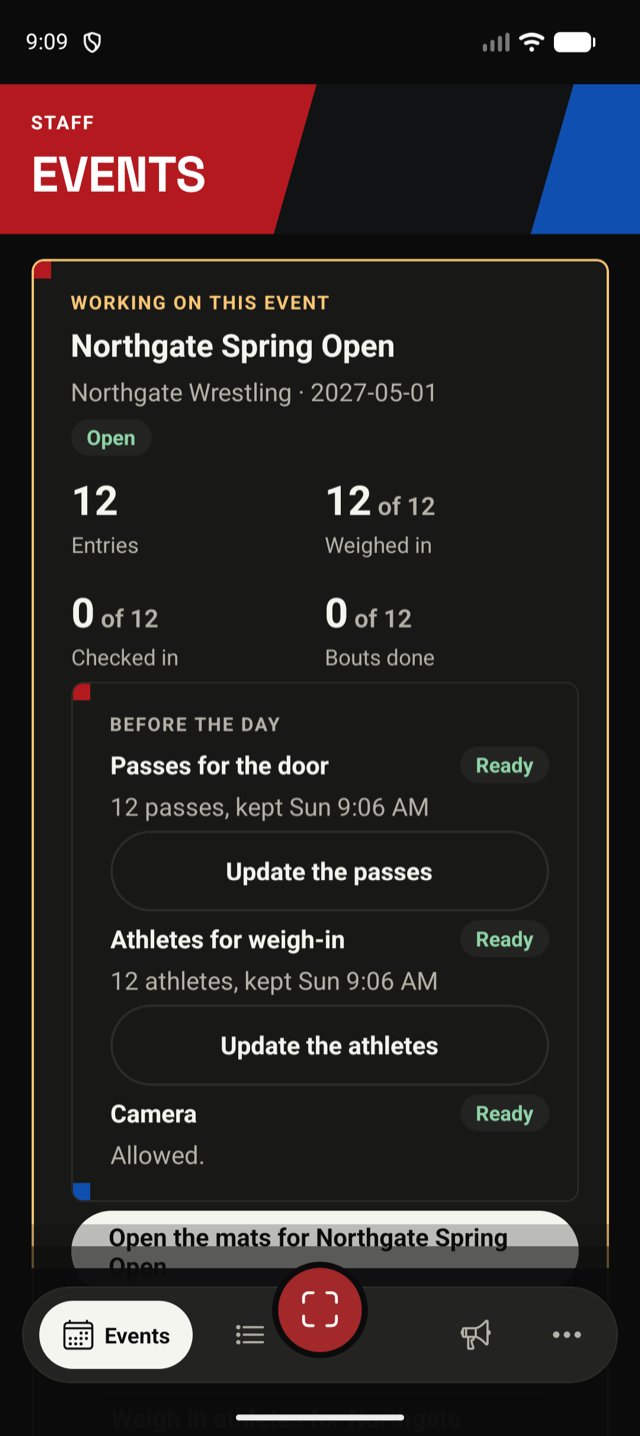
- An overview of the event: entries, athletes weighed in, checked in, and bouts done
- Scan passes at the door and at each step of the day
- Call athletes to the mat, and pause or close a mat when needed
- Open the full event on the website for anything bigger
Weigh-in, even with no signal
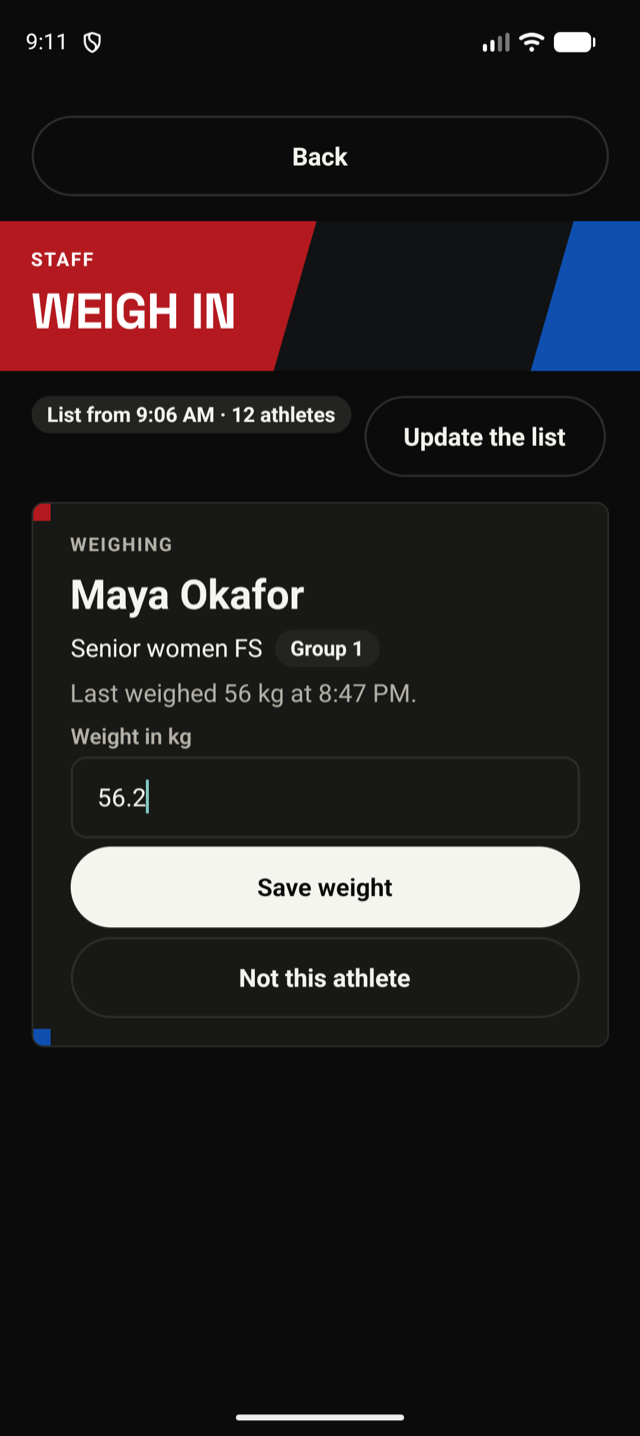
Scan an athlete's pass, type the weight, and move to the next. Before the event the app downloads the athletes, so weighing in works in a hall with no signal. The weights are sent when the phone is back online, and nothing is counted twice.
- Youth divisions get their classes after weigh-in, from the weights recorded
- Fixed weight classes show straight away whether the athlete makes the class
- Several people can weigh in at once, on their own phones
The mat queue and scoring
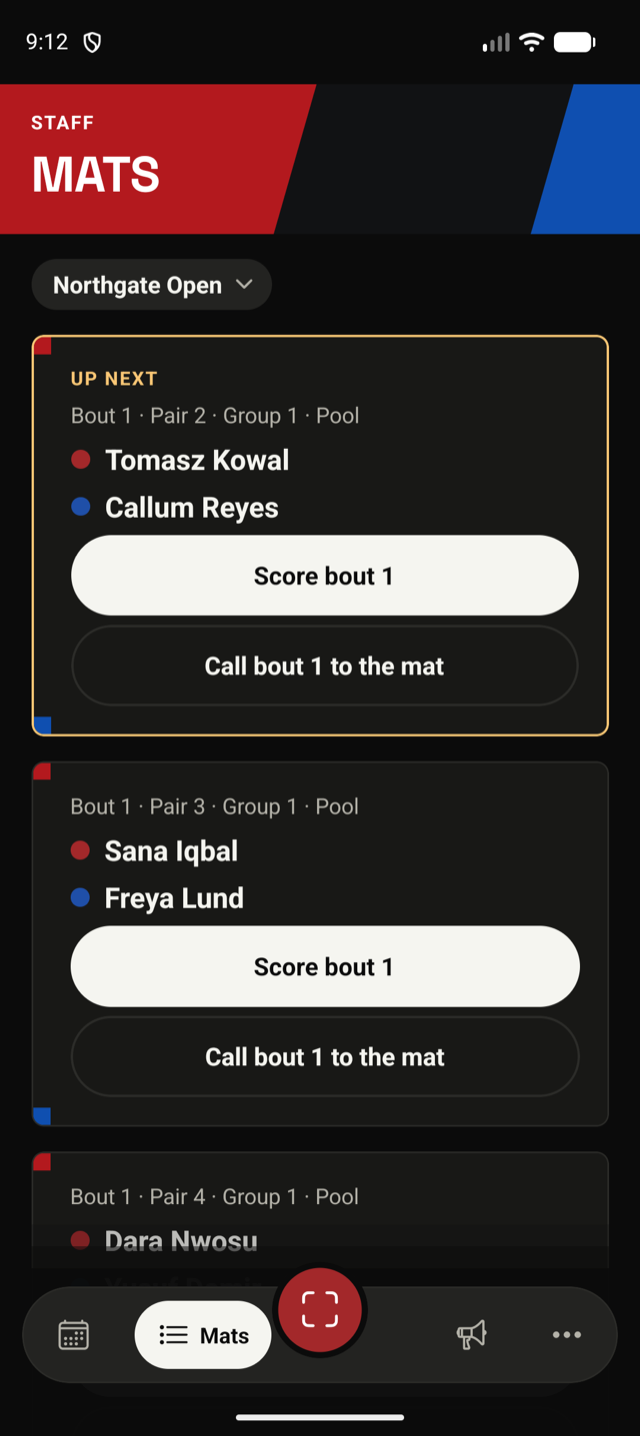
Each mat has a queue. Open the next bout, score it with big red and blue buttons, and the scoreboard on the TV follows.
- Scoring that keeps working if the signal drops
- The result is recorded as soon as the bout is ended
Coaches, athletes and families
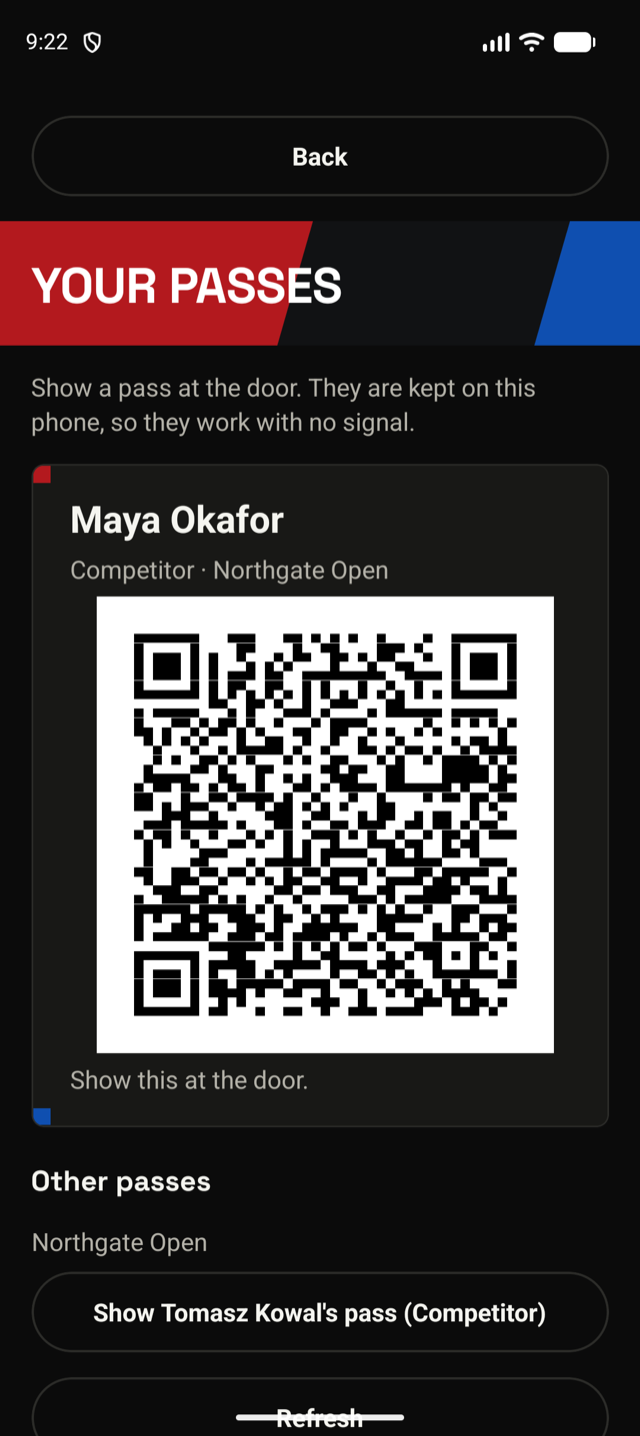
One account can hold several athletes, so a parent or a coach has everyone in one place.
- Each athlete's pass, to show at the door and at weigh-in
- Their day: which mat, and when they are likely to be up
- Alerts when an athlete's bout is coming up
- Results in the app after the bout has finished
Where you can get it
There are apps for Android and iPhone. During the pilot, clubs install a test version from an invitation, and store listings follow once the pilots are done.
Coming
- Coaches following athletes from their club
- Alerts when results are in
- Entering an event from the app
- Creating an event from the app
Try the app at your event
We are running pilots now and launch in Q4 2026. Interested in running a free pilot? Get in touch.
Get in touch